One hosted MCP server can reach users in ChatGPT, Claude, Muse, Grok, and Cursor. The route differs by platform: some accept public directory submissions, while Grok's documented path lets users or team admins add your server as a custom connector. Start with the destination your customers use, then prepare the same endpoint for the others.
Compare MCP distribution paths
| Platform | Distribution path | What to prepare |
|---|---|---|
| ChatGPT | Submit an MCP-backed app or plugin for review and public listing. | Working endpoint, app details, policy URLs, and review access. |
| Claude | Submit a remote MCP connector to Anthropic's directory. | Public endpoint, listing assets, authentication details, and reviewer access. |
| Muse | Submit an existing MCP server through the Muse Connector Platform. | Hosted endpoint, documentation, example prompts, and access requirements. |
| Cursor | Package the MCP connection in a plugin and submit its repository to the Marketplace. | Plugin manifest, MCP configuration, README, and public repository. |
| Grok | Have users add a custom MCP connector, or provision it for a team. | Public MCP URL, authentication, and clear setup instructions. |
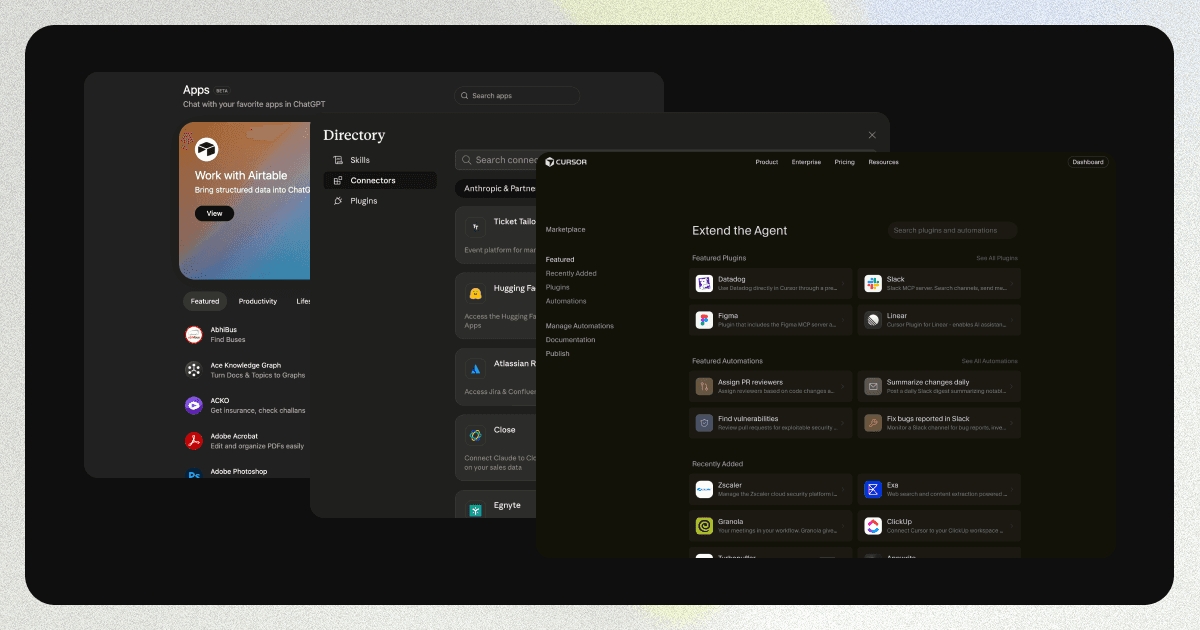
Public listings give users a place to discover and connect to your product. A custom connector requires someone to add the server URL or have an admin provision it. Both paths are useful, but they call for different instructions and expectations.
Prepare one MCP server for several clients
Before opening a submission form, verify the deployed endpoint in each target client. Check that authentication completes, tools return useful results, and write actions behave as their descriptions promise. Keep the URL stable; changing it after people connect can break installed integrations.
Prepare these assets once, then adapt them to each platform's requirements:
- A concise name and description that explain the tasks your tools handle.
- Example prompts that call real tools and produce useful results.
- A logo, product website, support contact, documentation, privacy policy, and terms of service.
- Authentication instructions, access restrictions, and a test account when reviewers need one.
- A record of each submission, its review status, and the endpoint version submitted.
Manufact Publishing Checks can help identify protocol, tool, and client compatibility issues before review. Platform requirements can change, so confirm the current fields in each official submission flow.
Publish to ChatGPT, Claude, Muse, and Cursor
ChatGPT app directory
The ChatGPT publishing guide covers listing materials, domain checks, and review preparation. OpenAI's current submission documentation describes the submission portal and its MCP-backed plugin requirements. Test the experience in ChatGPT before submitting, including a successful task and a failure case.
Claude Connectors Directory
The Claude Connectors Directory guide covers submission from the organization admin portal, reviewer access, and updates. Anthropic's submission documentation lists the current eligibility and review requirements for remote MCP servers.
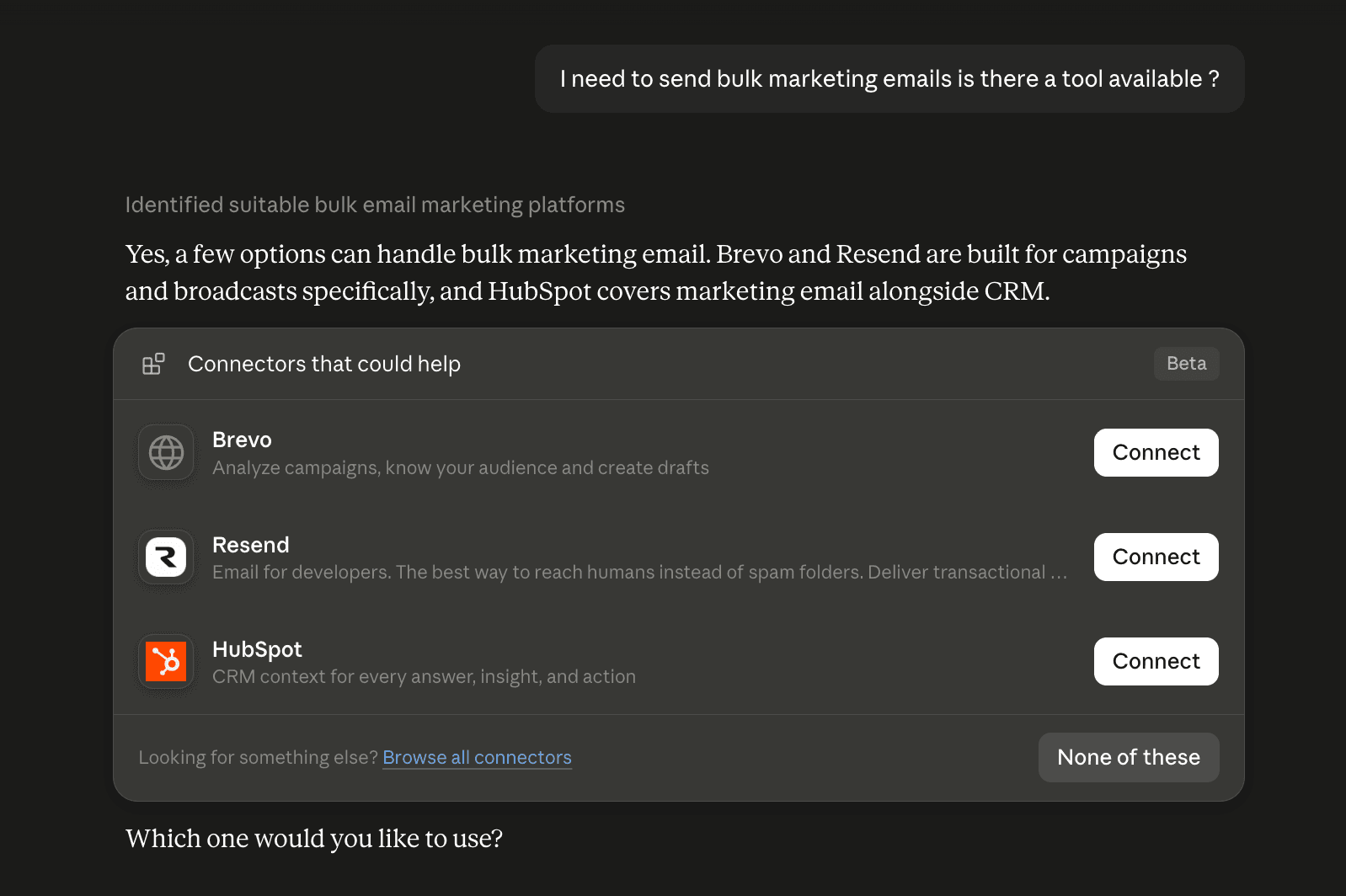
Claude can also suggest a relevant connector during a conversation. That makes a clear listing name, description, and tool definitions useful beyond the directory page itself.
Muse Connector Platform
The Muse MCP server submission guide walks through the Overview, Technical specs, and Review steps. Select Existing MCP and enter the hosted endpoint. Muse also asks for documentation, example prompts, access requirements, and contact and policy details. Its Connector Platform reviews submissions before approved connectors appear in the directory.
Cursor Marketplace
Cursor's plugin reference explains how to package an MCP server in a plugin. Add a valid plugin manifest and MCP configuration to a public repository, document the setup in its README, test it locally, and submit the repository through the Marketplace publisher form. Cursor reviews plugin submissions.
Connect your MCP server to Grok
xAI's Grok connector documentation describes custom MCP setup: open grok.com/connectors, choose New Connector → Custom, and enter the public MCP URL. For Grok Business and Enterprise, a team admin first provisions the connector in the cloud console. Give users a short setup page with the URL, required permissions, and a prompt they can use to confirm the connection. This is the documented custom connector path; it does not make your server a public catalog listing.
Check the experience after distribution
After a listing goes live or a custom connector is installed, repeat the example prompts in the real client. Verify that tool calls succeed with a normal user account, not only with reviewer credentials. Keep support and policy links current, and update listings when tool behavior, authentication, or the endpoint changes. Track which channel sent users and which prompts fail so you can improve the listing and server together.
Need help distributing your MCP server?
We'll review your server, run the available submission readiness checks, and help you prepare each listing and review package.